

Sources stay scattered
Important context lives in files, shared notes, and systems that people hunt through before they can ask a useful question.
Connect documents and approved systems into one workspace, ask across that context with sources still visible, and extend answers into the workflows your team already runs.
Teams already have documents, live systems, and delivery paths. ContextStacker brings those pieces into one sourced workspace instead of leaving them disconnected.
Important context lives in files, shared notes, and systems that people hunt through before they can ask a useful question.
Without visible supporting material, teams spend extra time checking whether a response is grounded in the right source.
Even a good answer often needs to continue into another tool, handoff, or delivery path—not stay trapped inside chat.
Bring material in through document and system plugins, ask across the workspace with sources kept visible, then extend answers through the output paths your rollout needs.
Add documents and approved system connections as input plugins for the workspace.
Use workspace chat to question the material you trust and keep supporting sources in view.
Open the citations and system results behind an answer before you act on it.
Carry answers into adjacent tools and workflows through output extensions and APIs.
Explore the dedicated product pages for workspace answers, document sources, system connections, and output extensions.
Ask across trusted workspace context and keep every response ready for review.
Explore workspaceBring PDFs, Word files, Markdown, text, and spreadsheets into searchable workspace context.
Explore sourcesConnect approved systems as input plugins when answers need current operational data.
Explore connectionsExtend sourced answers into the tools, handoffs, and APIs your team already uses.
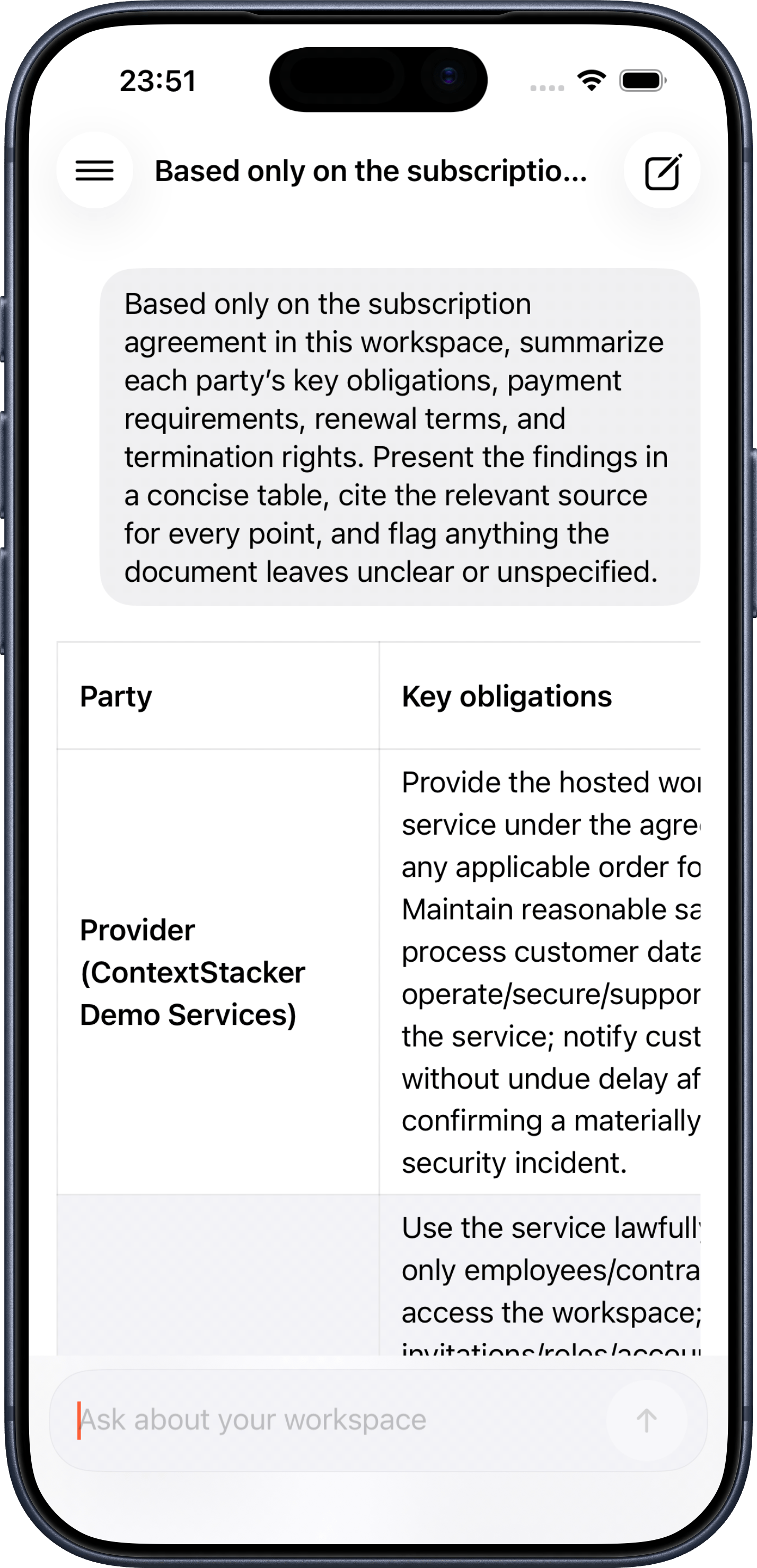
Explore extensionsSign in with the same account to continue workspace conversations on iPhone and iPad. Ask across workspace documents, receive answers that can use enabled connections, and see the source information attached to each response.
Use the Web workspace to manage documents, connections, members, and workspace settings. The iPhone and iPad app is designed for everyday questions, history, sources, plan details, and usage on the move.
Start a new chat or return to workspace history without rebuilding context on another device.
Review the document and system source information cited by each response.
Switch workspaces and review account, plan, usage, and signed-in devices from the app.
Free for iPhone and iPad. Requires iOS or iPadOS 17.0 or later.
The strongest first deployment is a workspace where durable documents, approved system data, and a clear delivery path already matter.
Let teams ask across product documentation, examples, and support notes from one chat surface.
Use policies, reports, and shared files to answer recurring operational questions with source context.
Pull current details from approved connections while keeping enablement and source visibility intentional.
Start with the product and vision below, then choose support or business email.
Bring sources in, ask across them, and extend answers into the work that follows.